Loading...

Shopping item

0 Items

Sub Total

0.00

Total

0.00

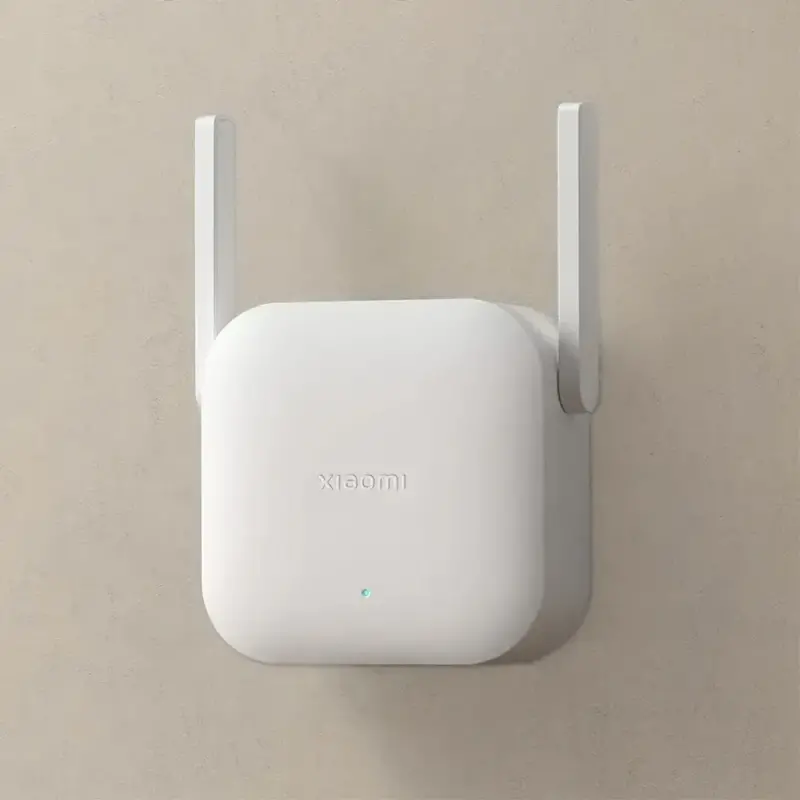
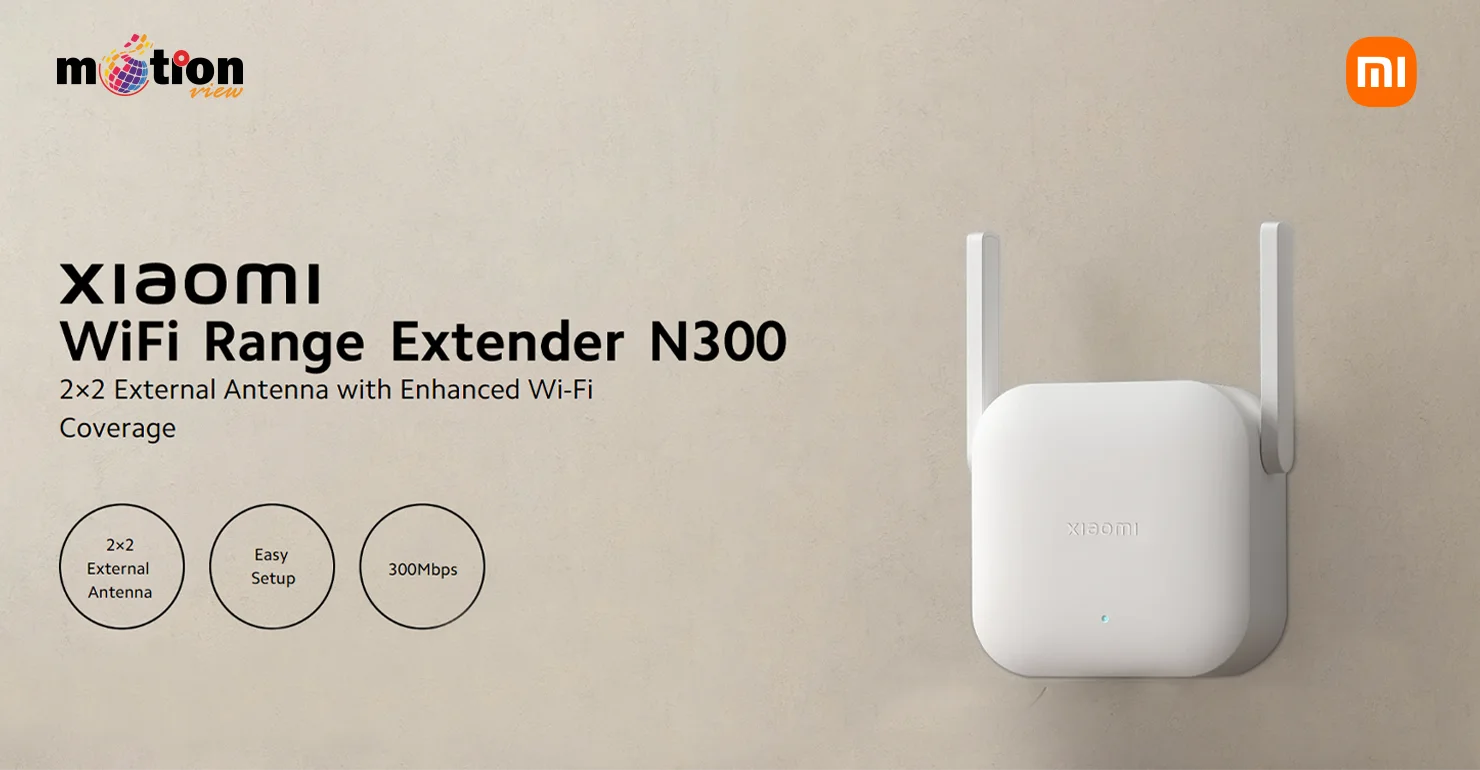
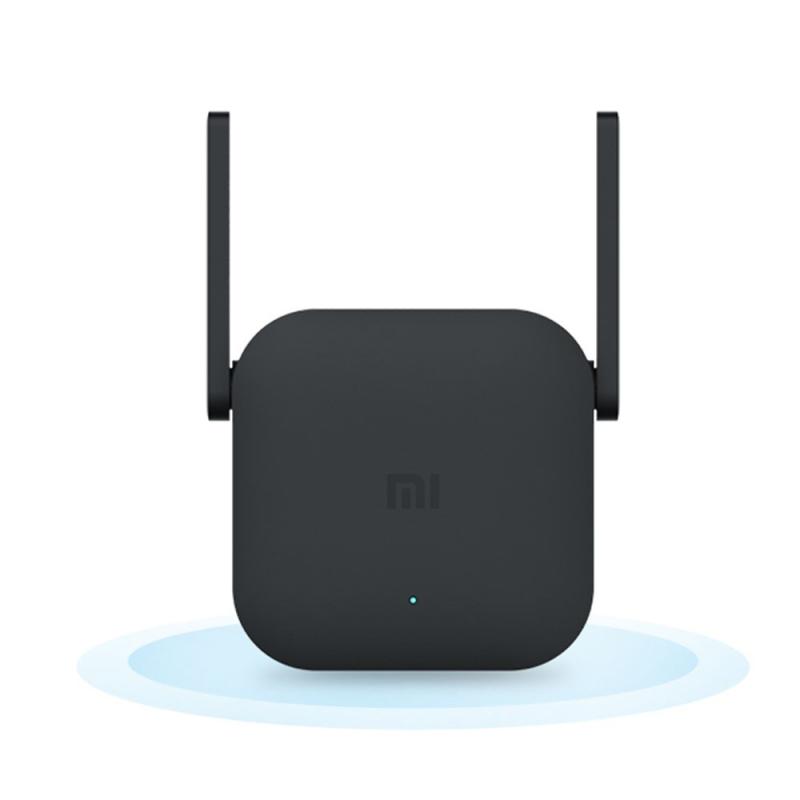
Xiaomi WiFi Range Extender N300 with 300Mbps
Xiaomi WiFi Range Extender N300 with 300Mbps Xiaomi WiFi Range Extender N300 with 300Mbps Xiaomi WiFi Range Extender N300 with 300Mbps Xiaomi WiFi Range Extender N300 with 300Mbps

Xiaomi WiFi Range Extender N300 with 300Mbps

৳ 1,390 ৳ 1,490
0.0 (0)
6.71 % Off
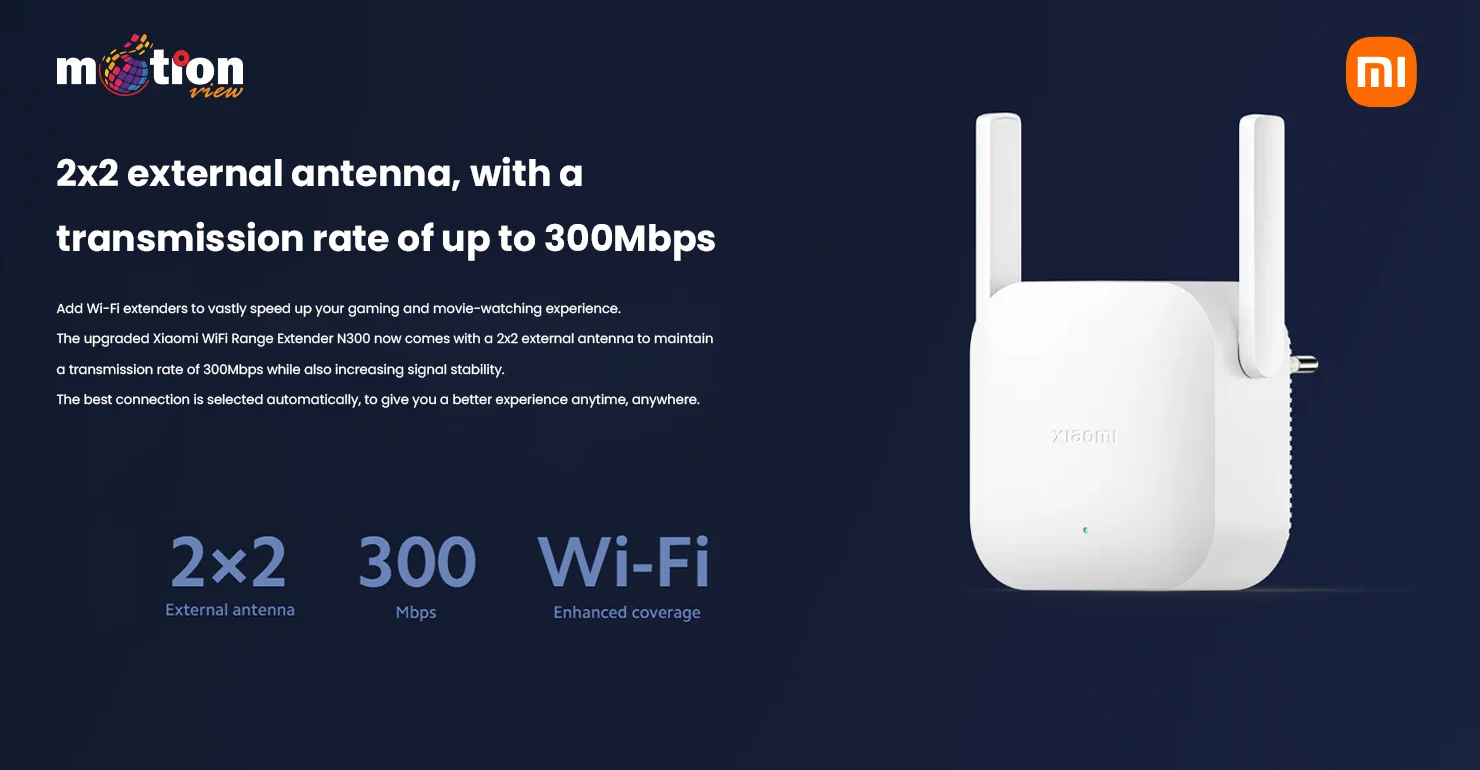
  • 2 External Antennas
  • 2.4GHz, up to 300Mbps
  • P.S. 100-240V/0.35A
  • 16 Devices Connection
  • Easy Setup
  • 6 Months Warranty
0.00 in stock
Share This Product:
  কল করতে ক্লিক করুন : 01730164109   Whatsapp Message : +8801730164109

সারা বাংলাদেশ হোম ডেলিভারি চার্জ ৳ 120.00
ঢাকা সিটিতে হোম ডেলিভারি চার্জ ৳ 70.00
সিরাজগঞ্জ জেলার মধ্যে হোম ডেলিভারি চার্জ ৳ 70.00
বিকাশ, নগদ, নাম্বার : 01730164109
Xiaomi WiFi Range Extender N300 with 300Mbps Xiaomi WiFi Range Extender N300 with 300Mbps Xiaomi WiFi Range Extender N300 with 300Mbps Xiaomi WiFi Range Extender N300 with 300Mbps

Technical Specification for the Xiaomi WiFi Range Extender N300

Technical Specifications

  • Product Model: RD10/RD10M
  • Dimensions: 80x54x70mm
  • Antenna Type: 2 external antennas
  • Wireless Standards: IEEE 802.11b/g/n
  • Signal Rate: 2.4GHz, up to 300Mbps
  • Wireless Security: WPA-PSK/WPA2-PSK encryption
  • Power Supply: 100-240V/0.35A

Operating Environment

  • Operating Temperature: 0-40°C
  • Operating Humidity: 10%-90%RH (non-condensing)
  • Storage Temperature: -40-70°C
  • Storage Humidity: 5%-90%RH (non-condensing)
  • Power Consumption: 3.57W

Package Contents

  • Xiaomi WiFi Range Extender N300
  • Warranty notice
  • User manual

Installation Method 1 (For Mi Routers with MiNET support)

  1. Place the extender near the Mi router and wait for the yellow light to flash after powering on.
  2. Click the MiNET button on the router and wait to access it.
  3. Once set up successfully, the blue light on the extender will stay on. You can then move the extender to another location.

Installation Method 2 (For non-Mi Routers)

  1. Place the extender close to the router and wait for the yellow light to flash after powering on.
  2. Download the Mi Home App, open it, click '+' to add the extender, and follow the prompts.
  3. After successful setup, the blue light will stay on. You can then move the extender to another location.

Xiaomi WiFi Range Extender N300

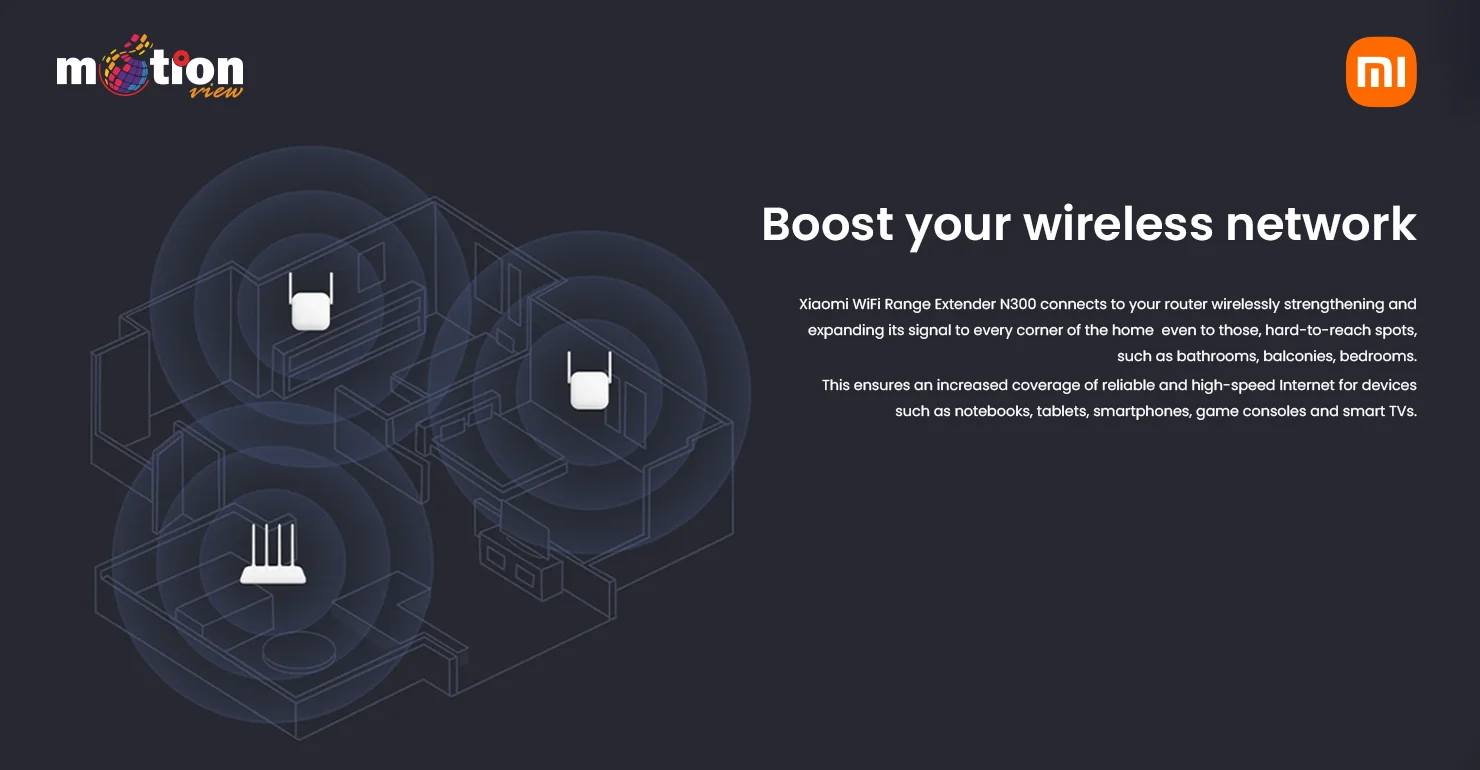
boost your wireless network

300Mbps data transmission rate

Related Products


Suggested Products


৳ 990
0.0
৳ 1,500
0.0
৳ 1,650
0.0
৳ 1,550
0.0
Stock Out
৳ 1,550
0.0
Messenger Call Us